Posts

Showing posts with the label AC3: Technical Skill

Website Design

Image
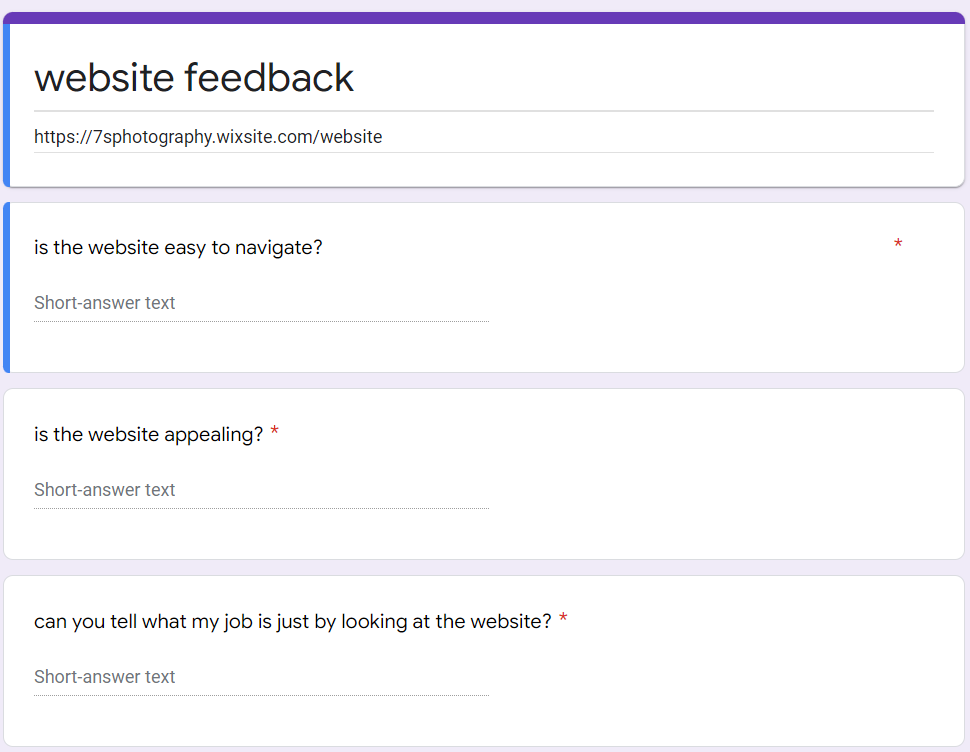
Website: ( link ) Before creating my website, I did a little bit of research on what a website should look like and include- specifically photography websites. One website I looked at is Amy Colleen's Photography Website . The first thing(s) you see when you open the website is a collage of photographs taken by Colleen so that potential clients can immediately see what her work looks like and what type of work she can do. At the top of the page, you see her business logo in the corner and pages you can click which lead to whatever it is labelled as; 'portrait' will show her portrait work and who is in these portraits, 'commercial' will show her commercial work and name who or what business she worked with, etc. She has an about page so potential clients can get to know her and decide whether they want to work with her or not. The 'contact' page is simple, you only need to enter your name, email, and message before you hit send. I wanted to keep my website as...

Showreel Design

Image
  Showreel: I found a photography showreel on youtube ( link ) by David Tabagari; he basically just shows a collage of photos taken by him in the showreel, and he uses fun transitions throughout the video just to keep it entertaining and keep the viewers attention- the images also change to the beat of the music. In the beginning of the video he just has the name of the video and the year it was created, as well as his name just so the viewer doesn't have to move their eyes away from the screen to find that information. Overall, Tabagari created a very simple but effective showreel; it entertains the viewer without being too flashy. When I was creating my showreel ( link ), I decided I wanted to do something fun rather than just being a boring collage of photos. I downloaded a big explosion effect video on YouTube and put text which says 'Photography Showreel" over it- I thought it would be a fun and creative way to start the video and it'll catch the viewers attention...

Business Card

Image
Business Card: The business cards I looked at were either too complicated to recreate, or too simple to draw attention, and instead of choosing one or the other, I just decided to take a few ideas from both and put them into my business card design. This first business card has all the necessary information needed to contact the person who made the card, as well as their logo and what they are/what they do. This other business card is more colourful and has more text on it, which means it may take a minute to find the necessary contact information on it. For my business card, I wanted something simple but not boring with basic information like phone number, email, website, and any other necessary information that a client might need to know to get in contact with me. I used a website called Pixlr to create it. On both the front and back of my card, I have my logo, which i coloured white so that it stands out from the dark blue background. I want clients or whoever has my card in their ...

Business Logo

Image
  Business Logo: Before I got to designing my own logo, I had a look at other existing logos so that I could get an idea on how I should design mine. Looking at these logos, most of them are just redesigns of the company logo to make it look more interesting and appealing; the ‘compass’ logo on the right, for example, is very simple yet effective- it is what you would call a wordmark logo or logotypes. Wordmark logos are simple representations of the brand name and are usually accompanied by subtle unique features. The sans serif font is pleasing to look at and the ‘o’ is the logo’s brandmark and is made to look like a compass. Other logos take a more artistic approach, with full illustrations partnered with their company name, and sometimes their slogan if they have one. Doing this sets the logo out from others and makes it more recognizable and memorable. The cranky Rooster logo could be categorised as a logo lockup, as it combines different types of logo designs to create one. I...

Mock Interview

Image
( Link )  Mock Interview: A mock interview is a practice interview meant to help you practice for an actual job interview. A mock interview can help you learn how to answer difficult questions, develop new strategies, improve your communication skills, and so on. Before an interview, you should do research into the company you’re applying for- employers expect you to know things such as how big the company is, who their customers are, their ethos, etc. They want to see that you have a genuine interest in the job and what they do. How you answer questions will be a key factor in their decision, so you should answer questions with confidence and enthusiasm- you should also prepare for possible questions they may ask, this way you enter the interview more confident than you would have had you not prepared. You should ask a day or two before the interview what the dress code is so that you’re not going to be dressed too casual or too formal for it. Prepare your outfit the night before ...